Some games are all about high scores and fast reactions. This one is much quieter. Coloring Book: Toy Shop 2 on Woko Games gives you a set of simple toy pictures, a box of colors, and plenty of room to get creative.
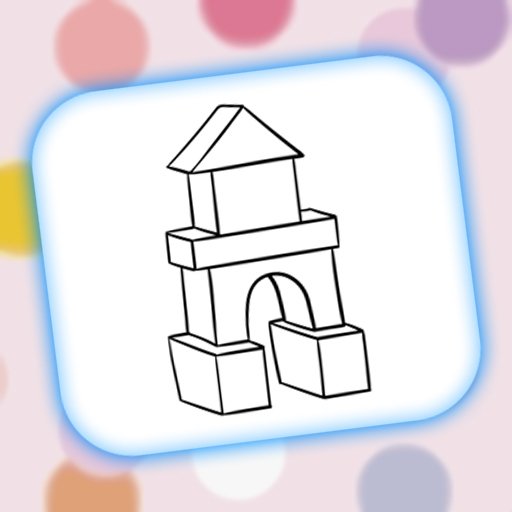
There are at least six pictures to choose from, including a teddy bear, rocket, kite, pinwheel, building blocks, and a toy structure. Pick one and start coloring right away. No levels, no countdown, and no missions to finish first.
Once a picture opens, you get a palette of 12 colors on the right side of the screen. Click a color, then paint different parts of the drawing. The teddy bear can have a yellow hat, a blue body, or something completely different. The game does not ask you to follow a sample, so you can color everything however you like.
The screen is easy to figure out. Home takes you back to the picture menu, the checkmark finishes the picture, and the arrow lets you undo your last move. There are only a few buttons, which keeps things nice and simple.
Coloring Book: Toy Shop 2 is also a good fit for kids. The drawings are large, the outlines are clear, and the subjects are familiar. There is no time pressure or competitive gameplay. Kids can take their time, try different colors, and practice using a mouse or touchscreen.
The pastel background and big buttons give the game a friendly look. Since every picture starts in black and white, even a few colors can change it quickly. A plain teddy bear can turn into a bright rainbow bear in less than a minute.
If you want a simple browser coloring game for a short, relaxing break, Coloring Book: Toy Shop 2 on Woko Games is easy to jump into. Pick a picture, grab a color, and see what you end up with.